


In digital world, creating visually appealing and impactful presentations is more important than ever. Whether you’re pitching to clients, presenting at a conference, or teaching a class, your slides can make or break your message. Enter AI for slides—a game-changing technology that’s transforming how we design and deliver presentations.
In this blog post, we’ll explore how AI tools can help you create stunning slides effortlessly, the benefits of using AI for presentations, and some of the best tools available today. Let’s dive in!
What is AI for Slides?
AI for slides refers to the use of artificial intelligence to automate and enhance the process of creating presentations. These tools leverage machine learning, natural language processing, and design algorithms to generate visually appealing slides, suggest content, and even optimize layouts.
From automating repetitive tasks to offering design suggestions, AI-powered slide tools are designed to save time and improve the quality of your presentations.
Benefits of Using AI for Slides
1. Saves Time and Effort
Creating slides from scratch can be time-consuming. AI tools can generate slides in minutes. They can analyze your content and suggest layouts, images, and designs.
2. Enhances Visual Appeal
AI-powered tools come with built-in design templates and recommendations. They ensure your slides look professional and visually engaging.
3. Improves Content Quality
Some AI tools can analyze your text and suggest improvements. They make your message clear and impactful.
4. Customization and Personalization
AI tools allow you to tailor your slides to your audience, offering personalized design and content suggestions.
5. Cost-Effective Solution
Instead of hiring a designer, AI tools provide an affordable way to create high-quality presentations.
Top AI Tools for Slides
Here are some of the best AI-powered tools to elevate your presentations:
1. Beautiful.ai
Beautiful.ai uses AI to automate slide design. It offers smart templates and real-time design adjustments. It’s perfect for creating professional slides quickly.

2. Slidebean
Slidebean is an AI-driven presentation tool. It helps you create pitch decks and business presentations. It offers content suggestions and design automation.

3. Canva (with AI Features)
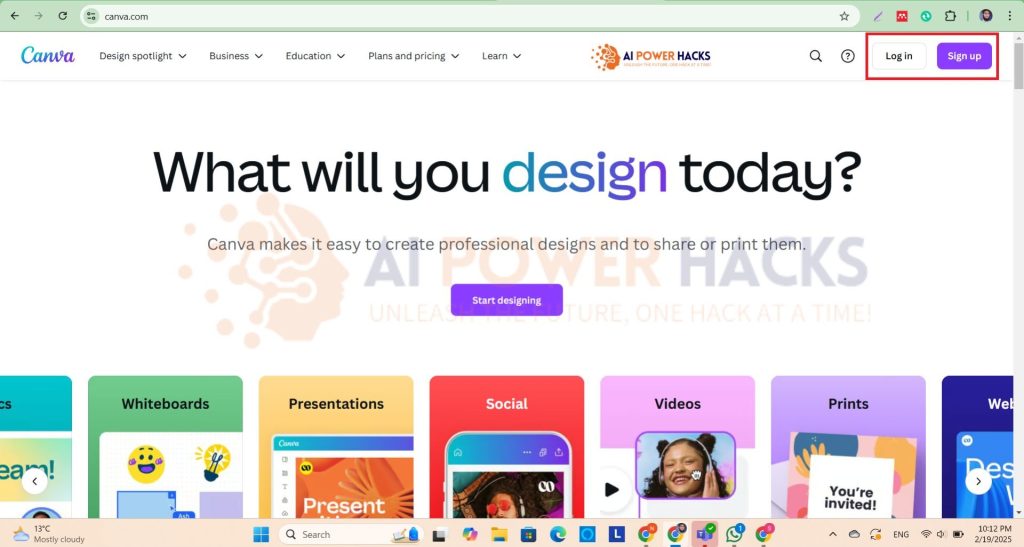
Canva’s AI-powered design tools make it easy to create stunning slides with minimal effort. Its drag-and-drop interface is user-friendly and versatile.
4. Microsoft PowerPoint Designer
PowerPoint’s built-in AI tool, Designer, suggests layout and design ideas based on your content, making it a great option for traditional users.
5. Prezi
Prezi uses AI to create dynamic, non-linear presentations that captivate audiences. It’s ideal for those looking to move beyond traditional slide formats.

How to Get Started with AI for Slides
- Choose the Right Tool
Select an AI-powered slide tool that aligns with your needs and budget. - Input Your Content
Upload your text, data, or ideas, and let the AI generate a draft for you. - Customize Your Slides
Use the tool’s customization options to tweak designs, add visuals, and refine your message. - Review and Present
Double-check your slides for accuracy and flow, then confidently present to your audience.
Tips for Maximizing AI-Powered Slides
- Keep It Simple: Avoid clutter and focus on key messages.
- Use High-Quality Visuals: Leverage AI tools to source professional images and graphics.
- Engage Your Audience: Incorporate interactive elements like polls or animations.
- Practice Your Delivery: Even the best slides need a confident presenter.
Conclusion
AI for slides is revolutionizing the way we create and deliver presentations. By leveraging AI-powered tools, you can save time, enhance visual appeal, and deliver impactful messages with ease. Whether you’re a business professional, educator, or student, these tools can help you stand out in a crowded digital landscape.
Ready to take your presentations to the next level? Explore the AI tools mentioned above and start creating stunning slides today!
What’s your favorite AI tool for presentations? Share your experiences in the comments below, or try one of the tools mentioned in this post to create your next presentation!
